Professional RAR, Zip, 7z decompression tool for macOS
FastZip natively supports Macs with Apple M series and Intel chips.
Utilizing an exclusive multi-threaded compression engine, it boosts compression speed by over 10 times! Supporting various modes such as instant packing, extreme compression, encrypted compression, volume compression, solid compression, combined with excellent interactive designs like right-click decompression, double-click decompression, automatic password input, space preview, and hidden file deletion, it brings you a dramatically improved user experience!
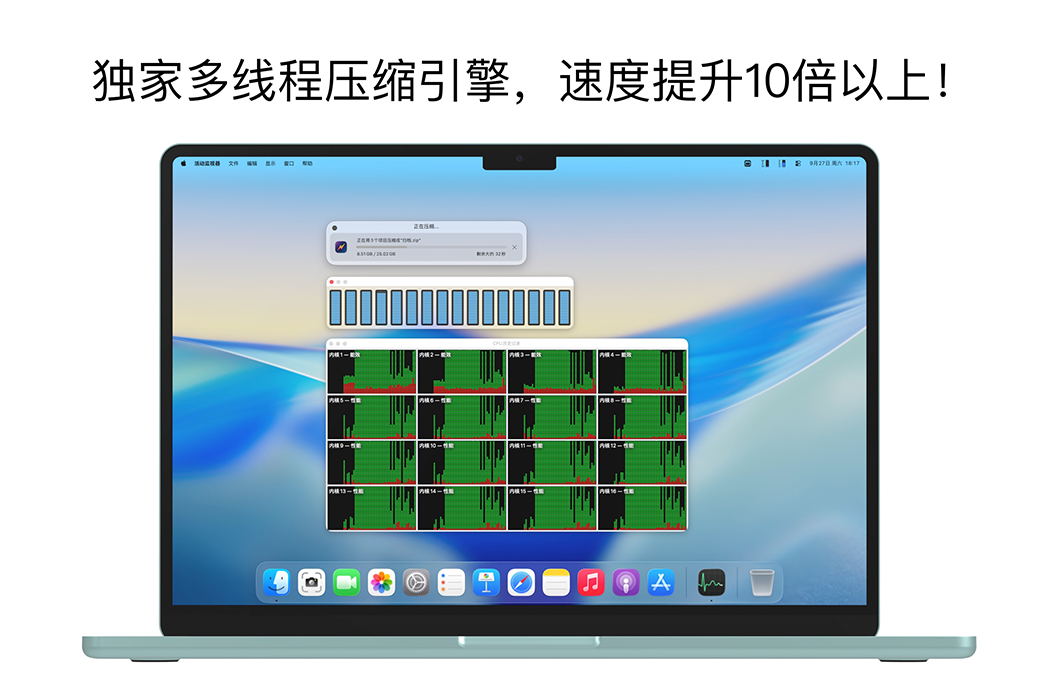
Exclusive multi-threaded compression engine, boosting compression speed by over 10 times!
FastZip employs an exclusive multi-threaded compression engine, mobilizing every CPU core for compression calculations. Compared to traditional single-threaded compression tools, it boosts compression speed by over 10 times, leading in compression performance and speed!
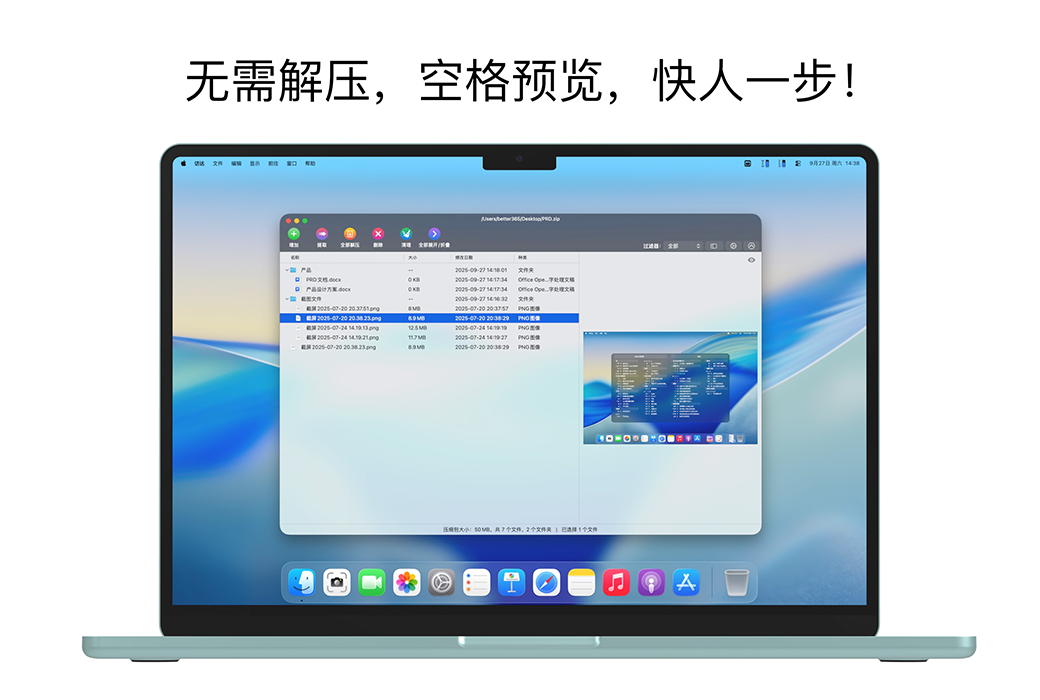
No need to decompress, space preview, one step ahead!
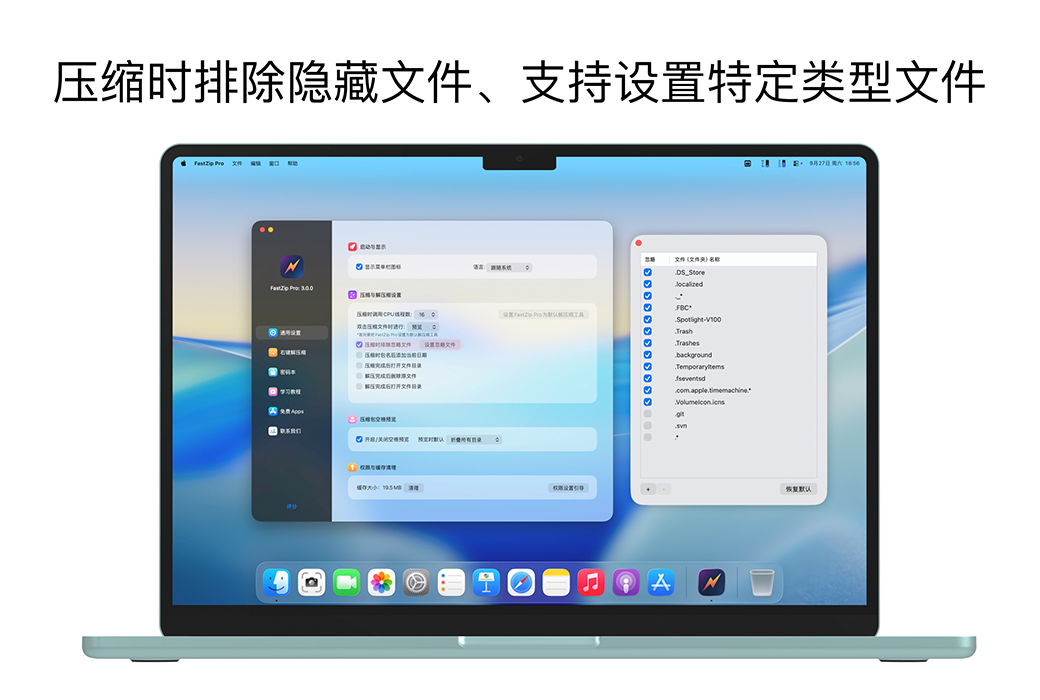
Press the space bar to quickly preview the compressed package! It also supports operations such as selecting, previewing, extracting, deleting, folding, and cleaning hidden files within the compressed package. Additionally, you can add files to the compressed package during preview, making it a comprehensive solution for previewing!
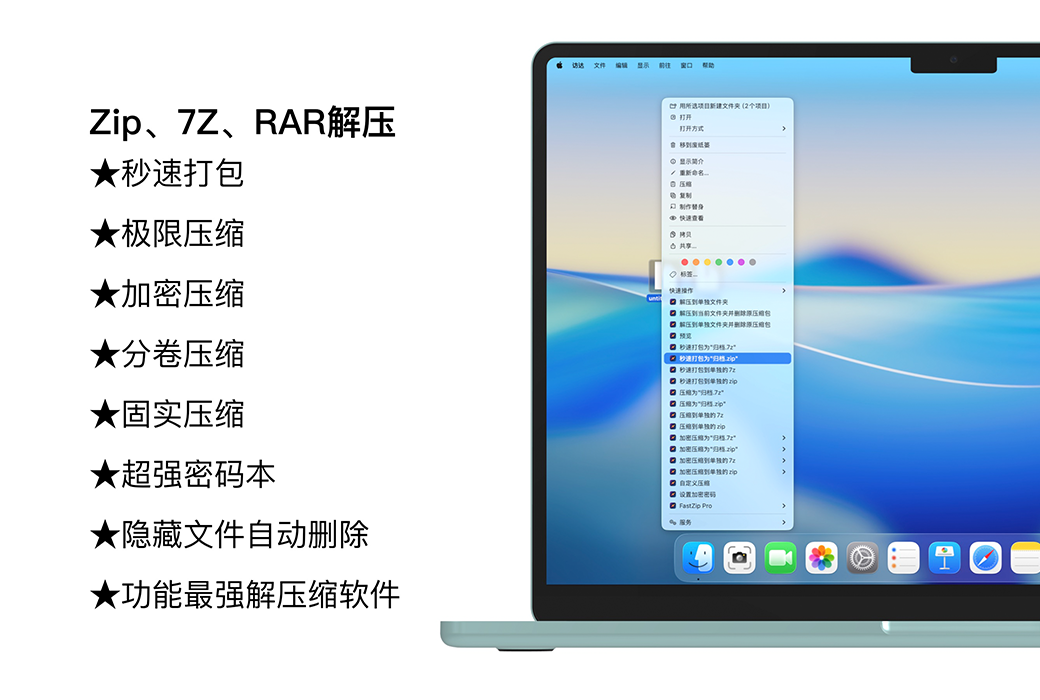
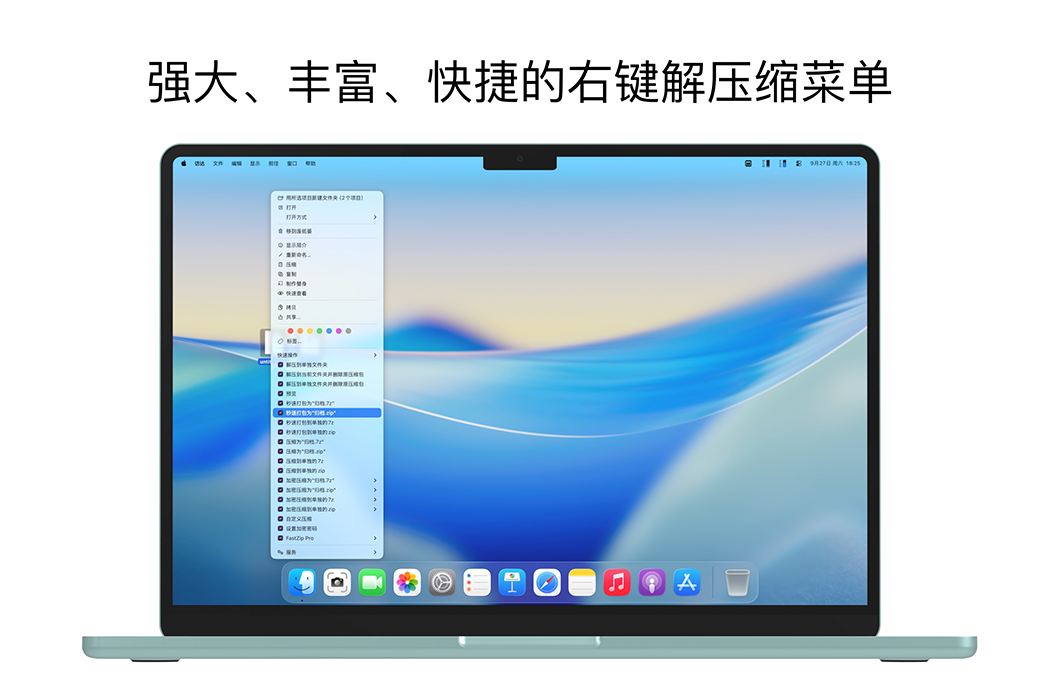
By far the most powerful and comprehensive right-click decompression menu!
FastZip boasts 19 right-click menu functions, inheriting the mature system of the super right-click menu. Each function is carefully divided and refined to meet various decompression needs, offering a unique level of functionality and user experience!
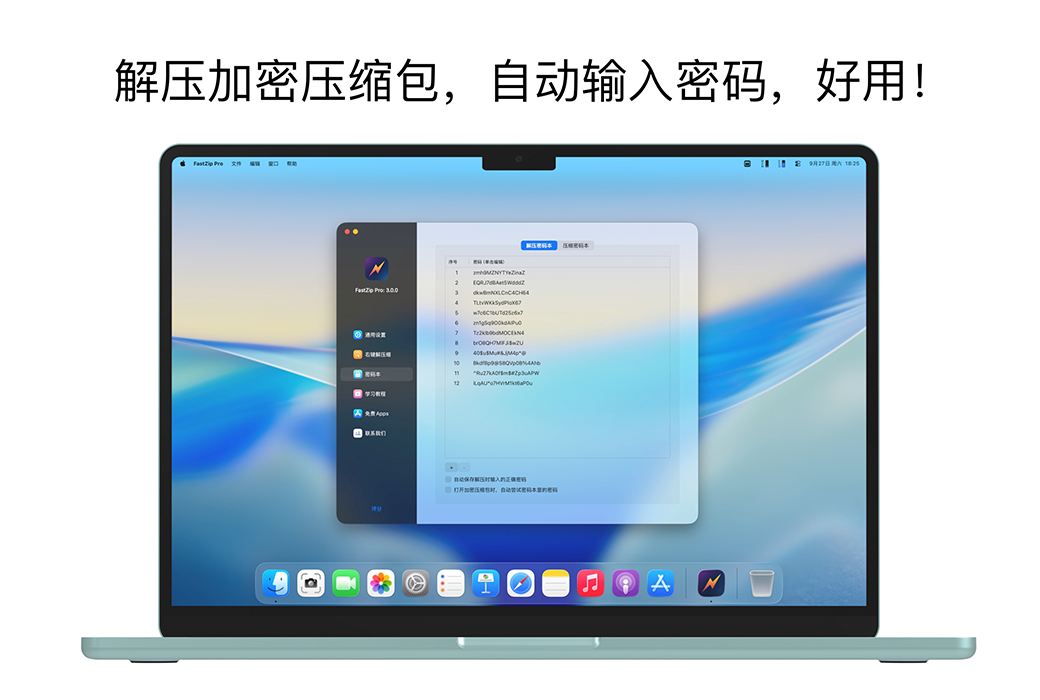
Automatic input of decompression password, seamless decompression, say goodbye to tediousness!
FastZip supports storing your commonly used decompression passwords in a local password book. During decompression, it automatically inputs the decompression password, enabling seamless decompression of encrypted compressed packages!
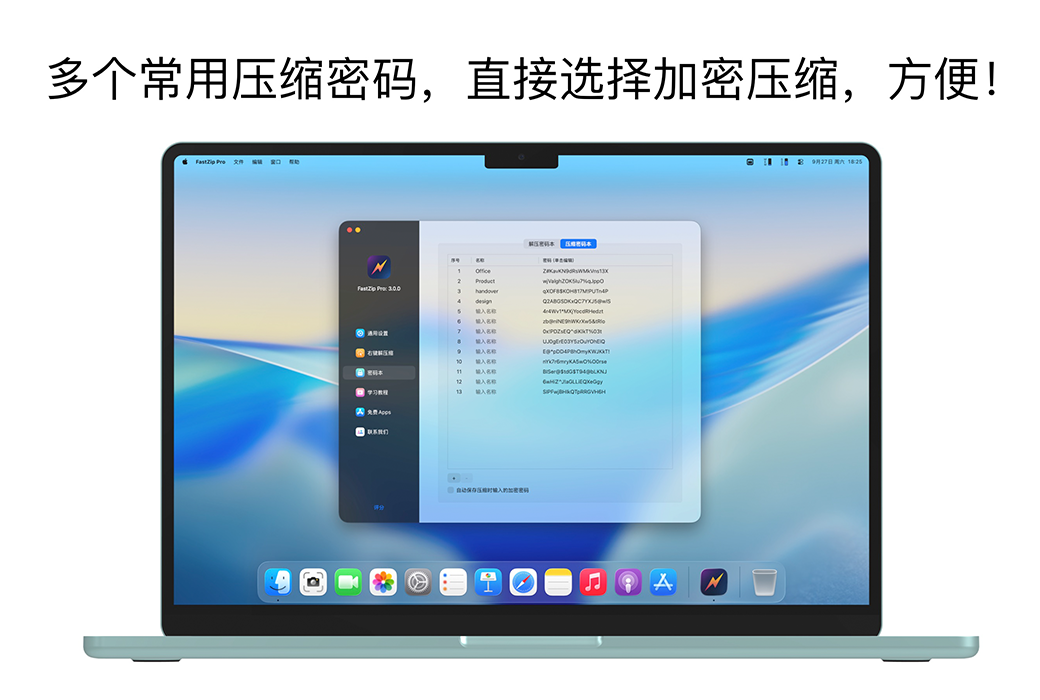
Encrypt and compress to protect the security of your files.
FastZip supports encryption, compression, and decompression, allowing you to encrypt files to protect their security.
Volume compression, large files, and volumes.
When there is a limit on the size of a single file, volume compression becomes quite useful. You can set the size of a single file and partition it during compression.
Solid compression, compression, tighter.
FastZip's 7Z compressed files can be compressed using either solid or non solid compression methods at the user's discretion. Solid compression can increase compression ratio, especially when adding a large number of small files.